 Download the client
 1 player online
The world of Otera
is waiting.
Download the client for your system. The graphics, the server connection and the minimap all come ready.
Graphics included · Server configured · Full minimap
The client includes map travel, occupied hunts and experience boosts, proximity voice chat, quick loot and AFK training controls. Auto loot requires Premium.
Windows
Windows 10 or later
64-bit
macOS
Apple Silicon
M1 or later
Read the steps before downloading.
Linux
64-bit x86
Download for LinuxInstallation instructions →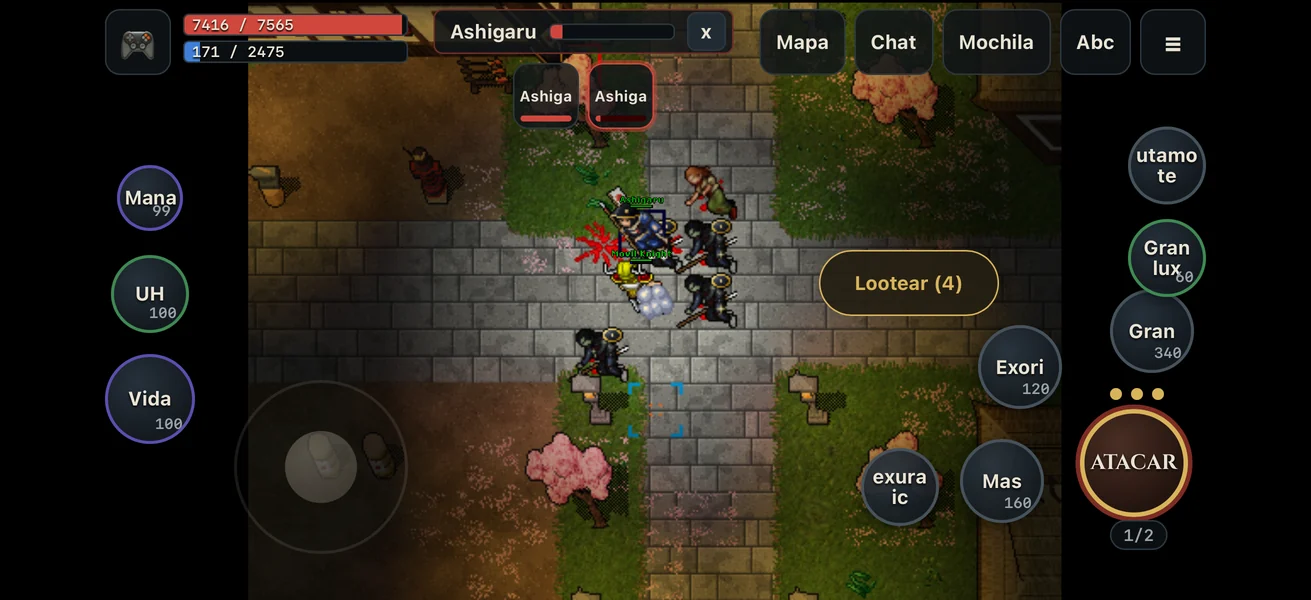
Phone and browser
Nothing to download: on iPhone, Android or your PC browser. The same account and the same characters.
Play in the browserHow to play full screen →From the download to your first step
Pick your system to see how to install it. Then open Otera and log in with the same account and password as this site. Your first character starts in Rookgaard.
Installing on Windows
- Download the ZIP file and extract the whole folder.
- Open
Otera.exeinside that folder. - If the SmartScreen warning appears, check that you downloaded the client from this site. To open it, choose More info → Run anyway.
- Log in with your account. The server is already configured.
Installing on macOS · Apple Silicon
The installer downloads Otera, puts it in your Applications folder and opens it. In Terminal, paste this line and press Enter:
curl -fsSL https://oteraot.com/mac | bashThat command runs the Otera installation script. You can download and read it before running it.
You can also download the macOS ZIP and extract it. Keep Otera.app, data/, modules/ and init.lua together in the same folder.
The client is not notarised by Apple. If macOS blocks the package you downloaded from this site, type xattr -dr com.apple.quarantine in Terminal, add a space, drag the Otera folder into the window and press Enter. Then open Otera.app.
Installing on Linux
- Download the tar.gz file and extract the whole folder.
- Open a terminal inside the folder and run
./Otera. - If it is missing execute permission, run
chmod +x Oteraand open it again. - Log in with your Otera account.
Playing on your phone or in the browser
- Open jugar.oteraot.com in Safari (iPhone) or Chrome (Android).
- To play full screen, add it to your home screen: on iPhone, Share → Add to Home Screen; on Android, Install app.
- Open Otera from the icon, turn your phone sideways and log in with your account.
The first time it downloads the world, about 115 MB: Wi-Fi is better. After that it opens in seconds and updates itself. On a PC it works the same in Chrome, Edge, Firefox or Safari. Voice chat, for now, is only in the desktop client.
Connection details and help
The Otera client comes configured. If you need to check the connection:
- Server
play.oteraot.com- Login port
18494- Version
- 8.60
Use the client from this page. The official Tibia 8.6 client does not include the extended graphics or the modules Otera uses. You do not need to download sprites separately.
If the map looks incomplete or the client will not open, extract the full package again. Do not move the executable out of its folder. You can check the world status and the server announcements.